|
Nginx : Reverse Proxy Settings#1
2016/07/07 |
|
Configure Nginx for Reverse Proxy Settings.
|
|
| [1] | For exmaple, Configure that HTTP connection to Nginx on port 80 are forwarded to the backend Apache httpd server. |
|
root@www:~#
vi /etc/nginx/sites-available/default # add into "server" section
server {
        listen      80 default_server;
        listen      [::]:80 default_server;
        server_name www.srv.world;

        proxy_redirect           off;
        proxy_set_header         X-Real-IP $remote_addr;
        proxy_set_header         X-Forwarded-For $proxy_add_x_forwarded_for;
        proxy_set_header         Host $http_host;

        location / {
            proxy_pass http://dlp.srv.world/;
        }
}
root@www:~# systemctl restart nginx |
| [2] | Change Apache2 settings on Backends to logging X-Forwarded-For header. |
|
root@dlp:~# a2enmod remoteip Enabling module remoteip. To activate the new configuration, you need to run: service apache2 restart
root@dlp:~#
vi /etc/apache2/apache2.conf # line 206-209: change like follows # set IP of Nginx server for RemoteIPInternalProxy
RemoteIPHeader X-Forwarded-For RemoteIPInternalProxy 10.0.0.31 LogFormat "%v:%p %a %l %u %t \"%r\" %>s %O \"%{Referer}i\" \"%{User-Agent}i\"" vhost_combinedLogFormat " %a %l %u %t \"%r\" %>s %O \"%{Referer}i\" \"%{User-Agent}i\"" combined
systemctl restart apache2 |
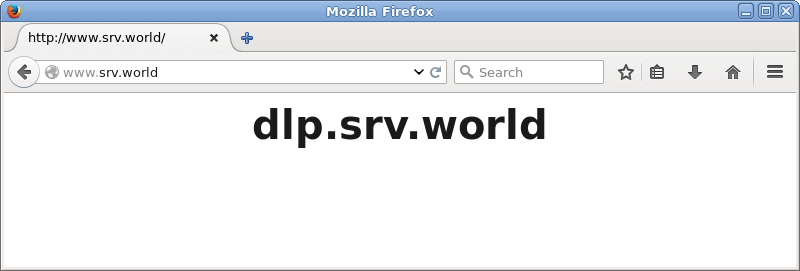
| [3] | Make sure all works fine to access to the Nginx server from a Client with HTTP like follows. |
|